Last Update: Thu, Aug 14, 2025 - 1: 00pm
Check your detailed bill on Self Service Carolina to ensure your balance is paid.
Reach out to the Bursar's Office with any questions: bursar@uscb.edu
USCBe Extraordinary
Get the degree you always dreamed of
With more than 50 undergraduate and graduate academic programs, USCB's dedicated faculty and staff will help you find your passion and purpose. We can help you achieve your dreams. We are more than you imagine.


Study Near the Ocean
USCB has three distinct campuses in the heart of the South Carolina Lowcountry. Our Bluffton, Beaufort and Hilton Head Island campuses all offer cutting-edge labs and classrooms. Bluffton is home to vibrant student life and Sand Shark athletics, while the historic Beaufort campus is on the water in the cultural district of downtown Beaufort. The Hilton Head Island campus houses our hospitality management program at a world-class destination. Explore oceans of opportunity at USCB.
Virtual Tour

Discover what
inspires you
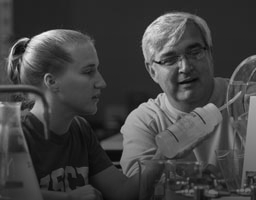
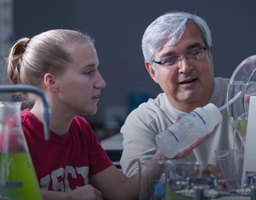
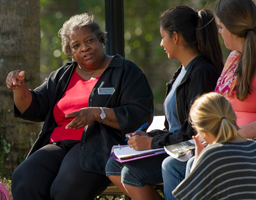
Our programs of study offer personalized instruction and opportunities for research, internships, community service and study abroad.
ADMINISTRATION


STUDIES


SCIENCE













& Technology










Graduate Degrees:
Science




USCBe Informed
brings you University of South Carolina Beaufort's news.
Each photo leads to an inspiring story about teaching, research and creative achievements by USCB students, faculty and staff.